
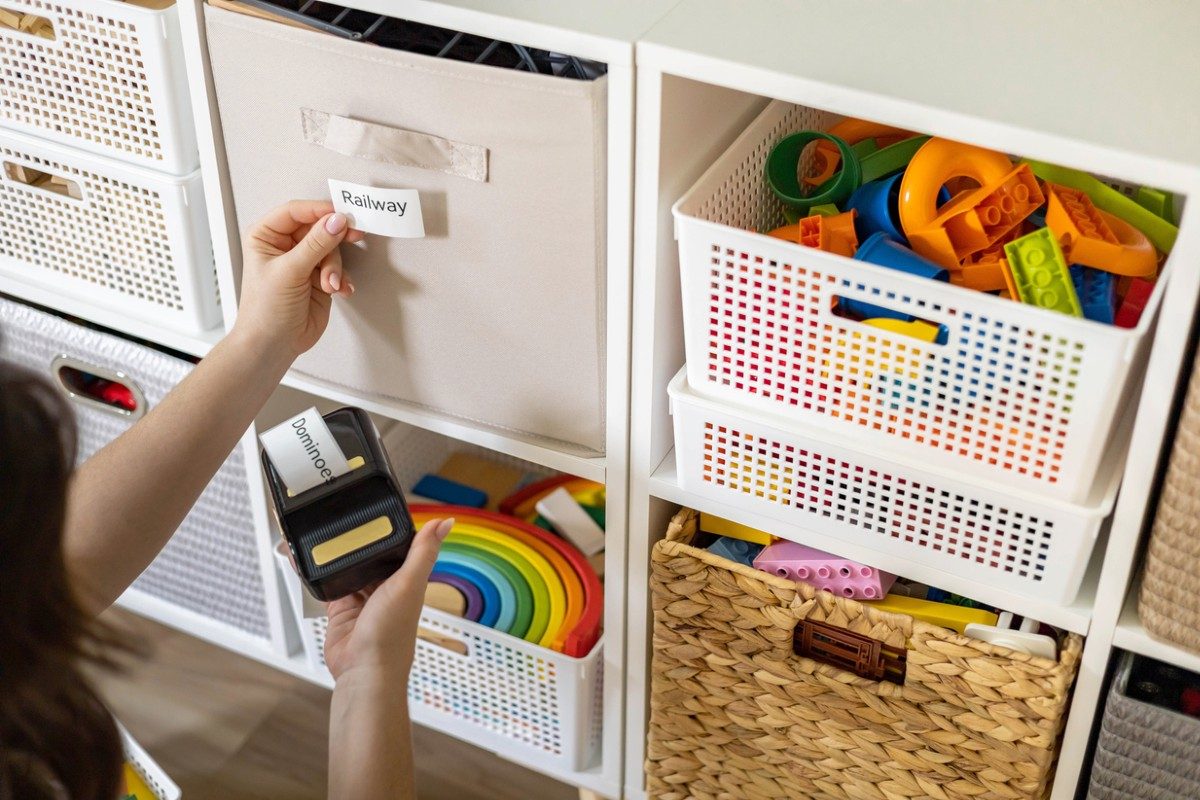
Handheld inkjet printers significantly shape modern printing with their portable, versatile, and efficient features. These unique printers offer critical solutions for businesses and individuals alike, with their ability to print on virtually any surface while on the go. And in this article, I put together a list of printers that I think are worth checking out. I based my selection on key measurable features such as battery life, screen size, and printing speed. While I found a few find five incredible printers, the Bentsai Handheld Inkjet Printer is the leading contender thanks to its versatility, long-lasting battery life, user-friendly interface, and superior print quality.
Best handheld inkjet printers
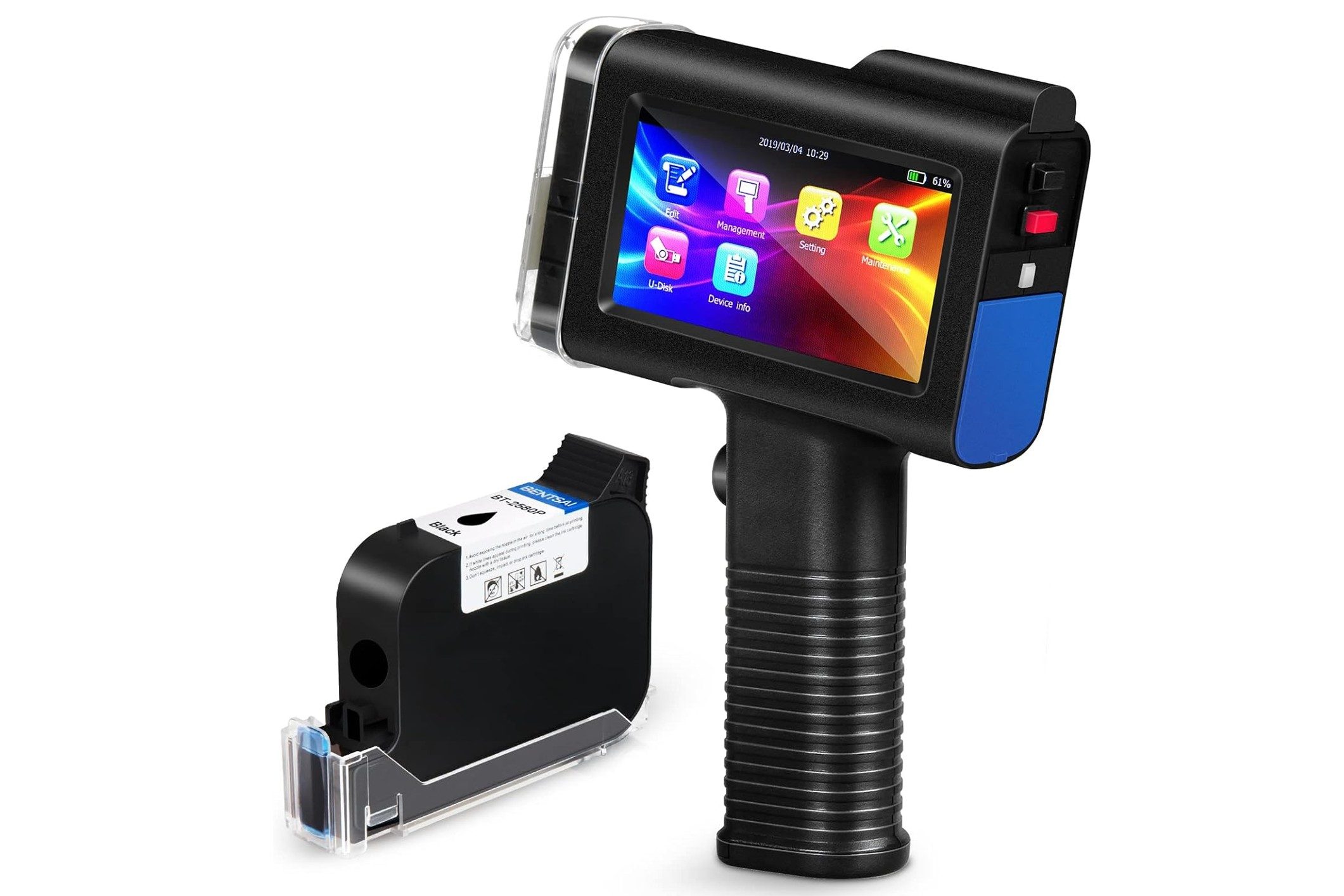
BENTSAI Handheld Inkjet Printer – Best overall
Enjoy versatility in printing with Bentsai’s Handheld Inkjet Printer. This fully portable, high-resolution device unleashes your creativity by printing on virtually anything — be it wood, carton, stone, light steel, pipe, plastic, aluminum foil, cable, cloth, or other materials. It’s not just about material diversity; this printer also supports a wide array of printing content, from text, time, numbers, QR codes, symbols, and pictures to logos and more. The user interface, featuring a 4.3-inch HD touchscreen, ensures a smooth and responsive operating experience.
The package comes complete with everything you need to start, including the printer itself, a black ink cartridge, a power adapter, a USB flash disk, a photoelectric sensor, a metal positioner template, a roller guide for stable and smooth printing, and a user manual. Printing flexibility extends to height as well, with a maximum of 0.5 inches/12.7 millimeters that’s adjustable according to your needs. This printer also supports multi-line print while allowing free layout design. And I was impressed to see that even the text font and size can be adjusted to match your unique requirements.
Pros:
- Eight-hour battery life
- Weighs just 4.4 pounds
- Works on a variety of surfaces
Cons:
- High price point
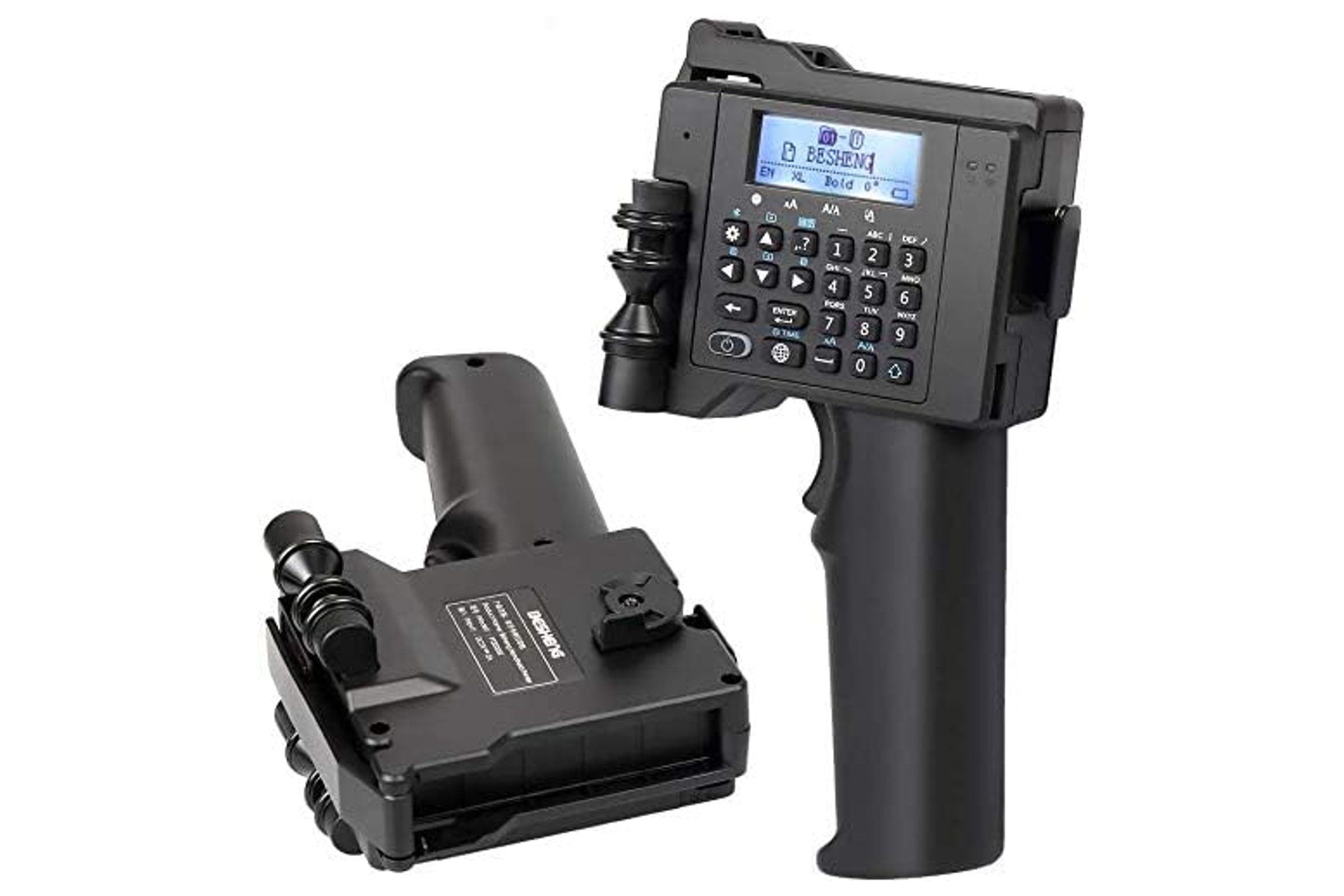
BESHENG Portable Handheld Inkjet Printer – Most user-friendly
BESHENG’s Portable Handheld Inkjet Printer actively caters to a wide array of printing needs, effortlessly printing text, labels, digits, QR codes, barcodes, production dates, logos, and more with its high-definition quick-drying black ink cartridge. This versatile printer transforms flat materials into vivid statements, satisfying numerous printing demands with its crystal-clear prints. Key to its versatility is the print content feature that adjusts font heights from 0.118 inches to 0.49 inches and supports one to four lines of printing. It maintains an optimal printing distance of 2 to 5 millimeters, ensuring high-quality prints across various languages, including English, German, Spanish, French, Italian, Japanese, and Chinese.
BESHENG’s handheld printer also values comfort and ease with its lightweight and non-slip matte design. I love that it encourages users to craft their content with the help of its accessible control panel keyboard and its user-friendly, multi-language supported “Seabird Sticker Printer” app. With this, your iOS or Android device quickly becomes a printing powerhouse.
Whether you’re working with wood, plasterboard, fiberboard, leather, stone, light steel, pipe, metal, aluminum foil, cables, paper, carton boxes, envelopes, paper bags, or other flat surfaces, this little printer can handle it all.
Pros:
- Prints on various surfaces
- Quick-drying ink
- Easy-to-use interface
Cons:
- Ink may smear on certain surfaces
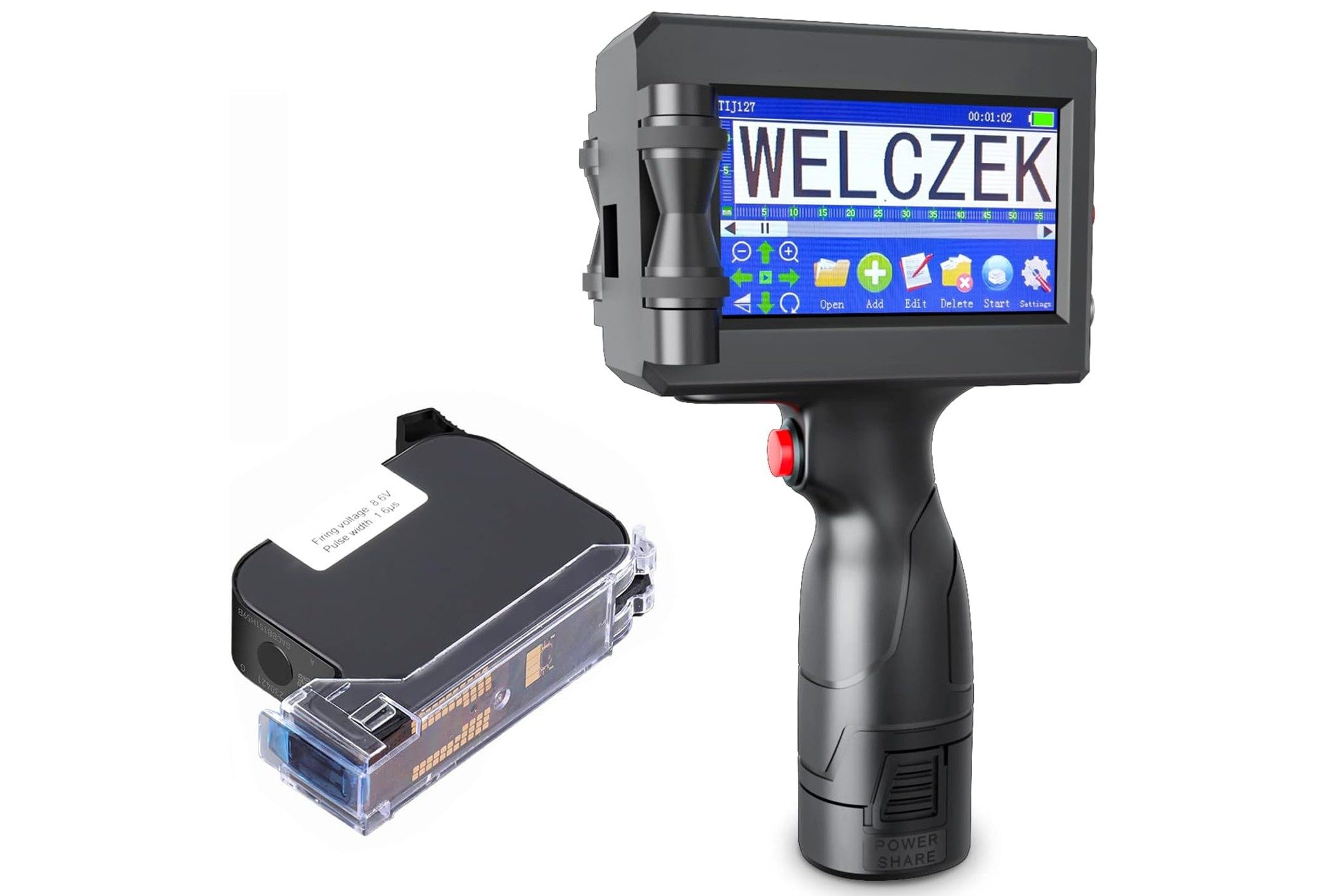
WELCZEK Handheld Inkjet Printer – Best Value
Dive into a world of efficient and versatile printing with the WELCZEK Handheld Inkjet Printer. Catering to a wide variety of printing needs from one to five lines, it masters a print height range of 2 millimeters to 12.7 millimeters. It also embraces image printing in BMP format and effortlessly handles expiry dates and batch numbers, making it a versatile tool for any smooth surface. The printer has the flexibility of communicating your message in up to 25 languages, including English, French, German, Italian, and Spanish, among others.
This handheld printer comes armed with a 42-milliliter quick-dry black ink cartridge to deliver clear, waterproof prints. Be it wood, carton, stone, pipe, plastic, metal, fiber cloth, glass, or other materials, this portable handheld printer easily adapts, ensuring top-notch print quality, even on curved surfaces (thanks to the provided positioning plate tool). It allows you to personalize text, size, type, length, width, spacing, angles, and more. Plus, it facilitates easy customization of logos, dates, counts, QR codes, barcodes, tables, and variable data. After looking over some reviews, I discovered that users really like how user-friendly and affordable this printer is.
Pros:
- Comes with portable case
- Prints on multiple surfaces
- Quick-drying ink
Cons:
- Touch screen can be finicky
TIKTONER Handheld Inkjet Printer – Best for beginners
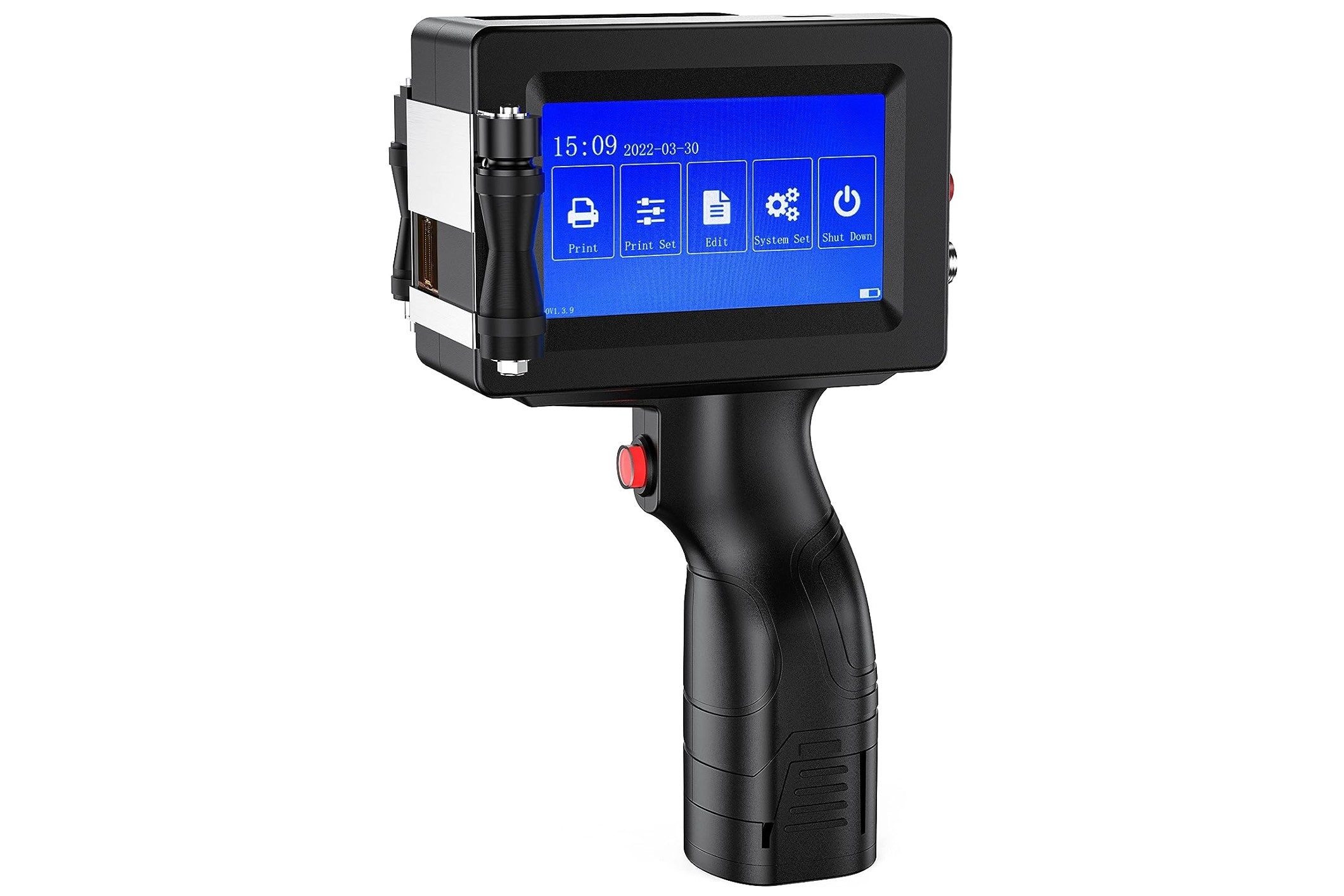
The TIKTONER Handheld Inkjet Printer is designed to imprint on a variety of materials, from cartons and wood to glass and clothes. Whether you’re navigating curved, uneven, or rough surfaces, the included sheet metal positioner assists in delivering superior printing performance. And this printer isn’t just for manufacturers, warehouses or retail outlets, it elevates your projects in your design workshop or T-shirt DIY studio as well.
Its 360-degree printing capability doesn’t just print text, it injects life into serial batch numbers, symbols, QR codes, barcodes, and pictures. Need to mark an expiration date, production date, or counter? This printer has your back. It turns complex printing jobs into a hassle-free process. And this printer is paired with an original high-definition quick-drying ink cartridge that ensures clarity and strong adhesion. You can navigate the printer’s features on a 3.7-inch high-sensitive color touch screen that brightly displays images. Plus, it delivers flexibility in printing heights, supporting anything from 0.08 inches to 0.5 inches. I was happy to the that the 42-millimeter ink dries quickly as well.
Pros:
- Quick-drying ink
- Long battery life
- Only weighs 4.72 pounds
Cons:
- May misprint
OLYBSJET Handheld Inkjet Printer – Best print quality
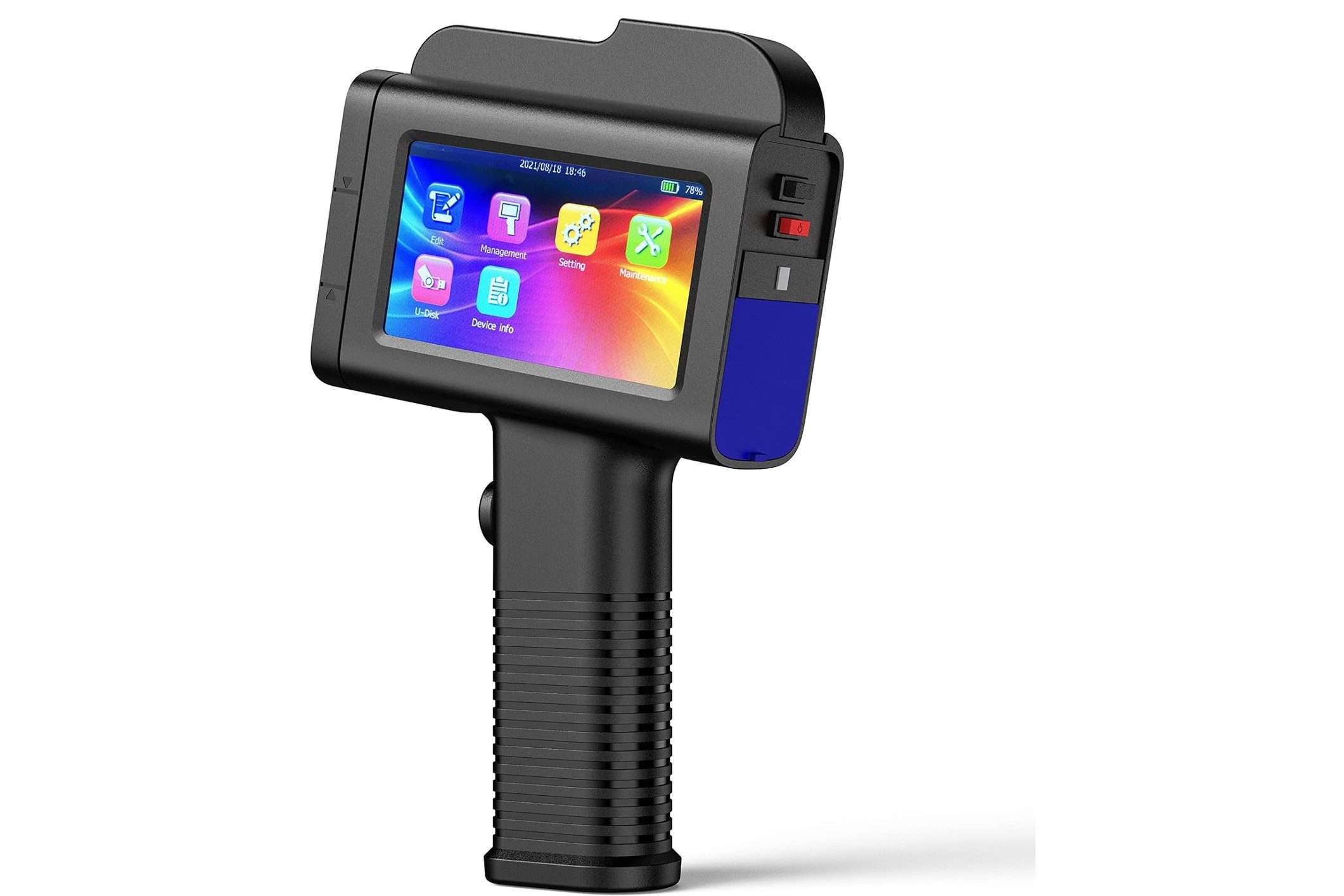
Experience the touch of convenience and efficiency with the OLYBSJET Handheld Inkjet Printer. The printer is designed with a user-friendly touchscreen that eliminates the need for an app. It makes it simple to import logos directly from your USB, thanks to its handy Linux system. The gadget allows you to choose from seven vibrant ink colors to create high-quality, monochromatic prints.
This printer is a powerhouse, armed with a quick-drying solvent ink cartridge that prints in high-definition black, yielding prints that are crisp with superior adhesion. You can even adjust the font and size to your liking. The versatility of printing up to 10 lines, with a font height of up to 25.4 millimeters and a maximum single print length of 406 millimeters, is especially impressive. Reading through some reviews, I found that customers really enjoyed the print quality and how easy this device is to use.
Pros:
- Works on most surfaces
- Weighs just 1 pound
- Prints one to 10 lines at once
Cons:
- More expensive than alternatives
Handheld inkjet printer buyer’s guide
In a world where mobility and efficiency reign supreme, these compact printers offer unparalleled convenience for on-the-go printing needs. Whether you’re a busy professional, a creative enthusiast, or a small business owner, the versatility of handheld inkjet printers opens up a world of possibilities. In this guide, we’ll explore the key features, functionality, and considerations to help you find the perfect match for your printing requirements so you can finally say goodbye to bulky equipment.
Print quality
Undeniably, the first feature you should scrutinize when choosing a handheld inkjet printer is its print quality. The printer should not only reproduce true-to-life colors but also deliver sharp and clear images and texts. Look for a printer that confidently articulates your content from the page, rather than just passively depositing ink.
Print speed
In a fast-paced environment, a slow-moving printer can feel like a roadblock. Be sure to consider the print speed of your prospective handheld inkjet printer. A swift printer that quickly transfers your ideas onto paper will be an asset in any demanding setting.
Portability
The whole point of a handheld printer is that you should easily be able to transport it. In this regard, the printer should ideally be lightweight and compact. It should sit comfortably in your hand and make it easy to carry around for printing on the go.
Battery life
Nothing can be more frustrating than a handheld inkjet printer that constantly needs recharging. The printer should thrive on a single battery charge, ensuring you can print a substantial amount of work without needing to plug it into a power source over and over.
Ease of use
The usability of the printer is another essential factor. The printer should smoothly guide you through its functions, rather than leaving you to wrestle with complex settings. Oftentimes these printers include a user-friendly touch screen or may even work with an app on your phone.
Price
The price tag is another crucial aspect to consider. You’ll want to ensure that the printer not only fits within your budget but also offers good value for money. It’s good to keep in mind that while some of these devices can be pricey, it’s still an investment that should last you several years.
Ink efficiency
A handheld inkjet printer should optimally utilize ink, rather than wastefully depleting the cartridges. This efficiency helps in maintaining low running costs and reduces the frequency of changing cartridges.
Common questions about handheld inkjet printer
What exactly is a handheld inkjet printer?
A handheld inkjet printer is a portable device that allows you to print on a variety of surfaces such as paper, plastic, metal, wood, and more. It’s typically compact, easy to operate, and ideal for printing things like barcodes, serial numbers, and logos.
How do I use my handheld inkjet printer?
To use a handheld inkjet printer, you’ll usually need to load the ink, turn the device on, input or select the design or text you want to print, and then press the print button while moving the printer across the surface you want to print on.
How do I maintain my handheld inkjet printer?
Regular maintenance of a handheld inkjet printer involves cleaning the printhead to prevent clogging, replacing the ink cartridge when it’s empty, and occasionally updating the printer’s software. Always refer to the printer’s manual for more specific maintenance instructions.
Can I print in different colors with a handheld inkjet printer?
Yes, most handheld inkjet printers allow you to print in different colors by changing the ink cartridge. But, the color options may vary depending on the model of the printer.
How do I load the design or text into my handheld inkjet printer?
Methods can vary based on the specific printer model. Some printers may allow you to input text directly on the device, while others may require you to upload the design or text from a computer or mobile device.
What surfaces can I print on with a handheld inkjet printer?
Handheld inkjet printers can generally print on a wide variety of surfaces including paper, plastic, metal, wood, fabric, and more. Of course, the effectiveness of the print may depend on the type of ink you’re using and the surface’s material and texture.