
Mouse pads protect your mouse from dirt, grime, and damage. It’s practical to learn how to clean mouse pads to make sure they last for years instead of having to replace them every few months. A clean mouse pad also lets you work more efficiently by retaining your mouse’s sensitivity. Different mouse pads require different cleaning methods, but most need just a little maintenance, thanks to their durable and dirt-resistant materials.
Can you clean a mouse pad?
You can clean any type of mouse pad with a damp cloth. Spot clean dust or small spills that may stain if left alone. For a deeper clean, it varies by each mouse pad.
Cloth
Most mouth pads are made of a cloth composite with a rubber backing that helps them stick onto your work table or space. These ergonomic pads feel good on the hands and often feature a raised gel to cradle your wrist, but they also get dirty fairly quickly.
Have a fabric brush on hand to keep dust and debris off your cloth mouse pad. Brush out your pad at the end of the workday or at least once a week to make sure dirt doesn’t build up.
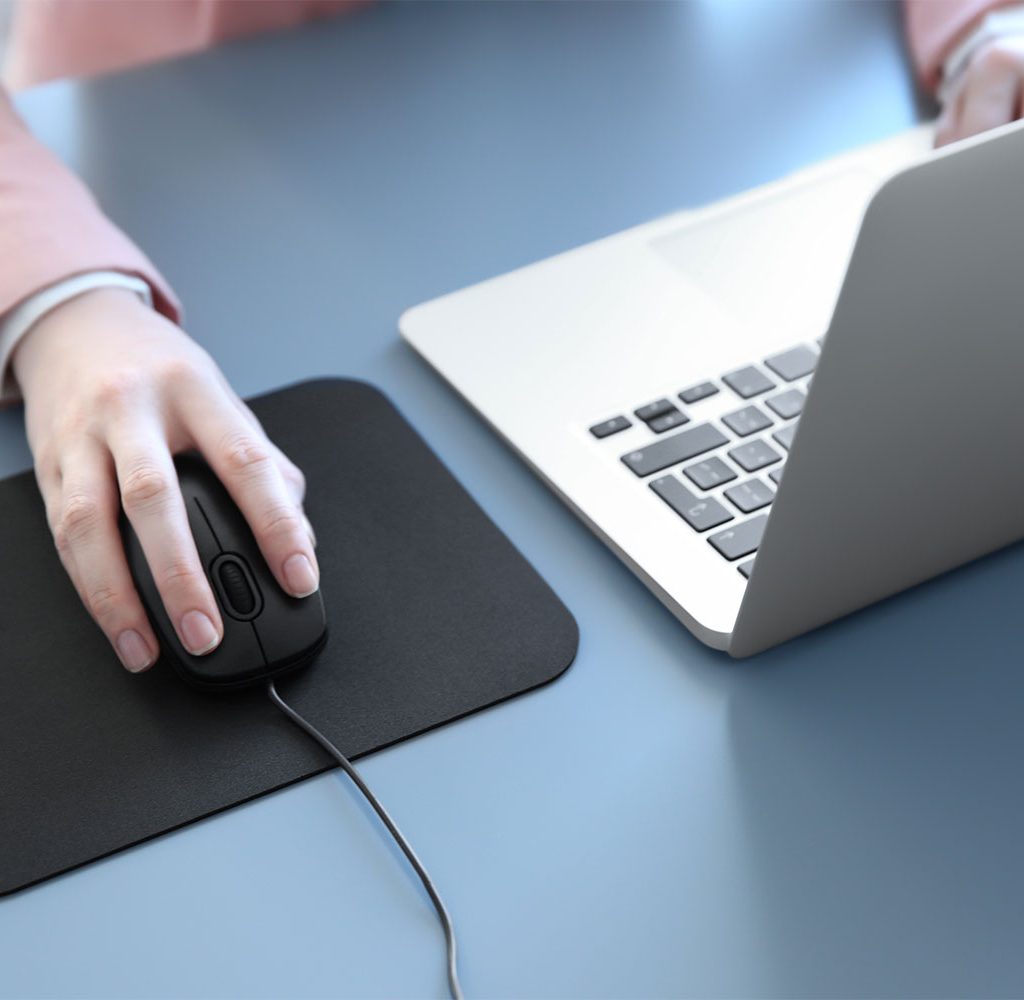
For heavier messes, run the pad under warm water and apply a mild soap or detergent. Use a sponge to clean the pad in circular scrubbing motions. Let the soap foam and leave the pad in your sink for at least five minutes.
Rinse off the pad until the soap is washed out. Air dry. To speed up drying, press the pad between a clean, dry towel until all excess moisture is squeezed out.
Hard plastic
Hard, plastic-topped mouse pads are also common because they don’t soil as quickly as cloth pads. These feature water-resistant tops that endure food or drink spills.
Wipe away dirt, grime, or debris off plastic mouse pads. For a more thorough clean, use a damp cloth using water or mild soap to blot away dirty spots. If the mouse pad needs an even deeper clean, follow the same steps for cleaning a cloth pad. Avoid using hot water, as this can cause the top plastic layer to peel away if your pad is multilayered.
Textured
Textured mouse pads include rough plastic pads, leather, and slightly textured cloth pads. A textured pad provides friction for a roller-ball mouse, but if you have a laser or optical mouse, a textured pad is just a matter of personal preference.
Some find ultrasmooth pads slippery and can interfere with intricate controls such as when working with graphic-design programs. Textured mouse pads also often feature a stitching on the sides to prevent the layers from unfurling.
To clean a leather mouse pad, wipe away dirt with a damp microfiber cloth. Take care to avoid extra-strength sprays or solutions, and only use when absolutely necessary. Spray the solution onto the cloth, then wipe the pad.
Glass or steel
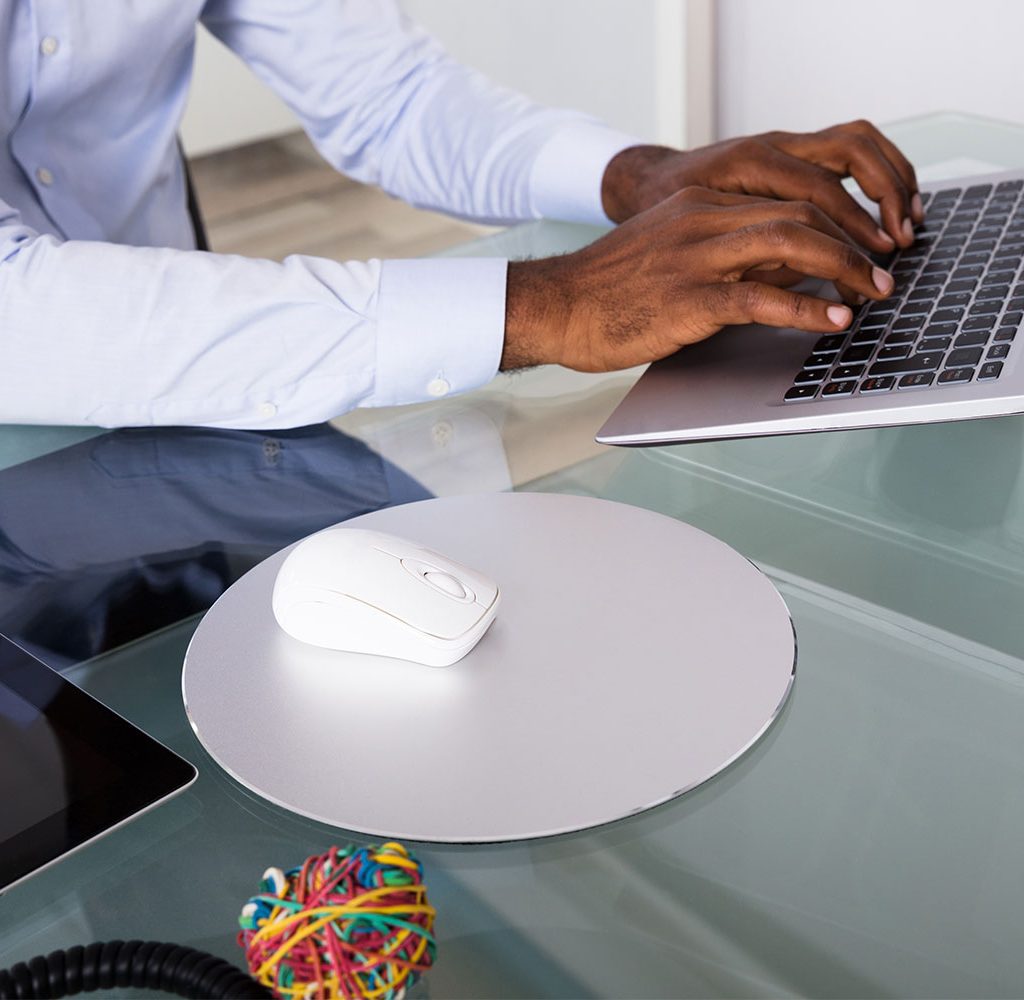
If your mouse pad doesn’t fall into any of the common material categories, it’s likely made of glass or steel. Glass pads require constant maintenance because they collect dust easily.
Keep an efficient cloth like a microfiber cloth on your desk to wipe away dust and debris throughout the day. You can use mild cleaning sprays on glass and steel pads, but stick to wipes that don’t produce lint. Your cloth should wipe away dust without leaving particles behind.
Can I use disinfectant sprays?
Strong solutions or sprays aren’t recommended because they can damage cloth and plastic mouse pad materials. If there is color on your mouse pad, sprays should be especially avoided. In most cases, a mild soap, water, and a brush will suffice.
Can I use the washing machine?
Some mouse pad brands are compatible with washing machines. Fortunately, most mouse pads can be cleaned without one. This preserves your pad’s life and avoids unintended damage like dye fades or material breakdown.
Additionally, electronic mouse pads should never be put in the washing machine unless approved by the manufacturer. This includes mouse pads with LED lights, mouse pad-and-mouse syncing pads, and keyboards with built-in mouse pad.
If your mouse is acting strange such as not responding or getting stuck, the problem might be a dirty mouse pad. Luckily, cleaning a mouse pad is simple and straightforward. Most mouse pads just need a sponge, mild detergent, and running water. No matter what type of pad you have, it’s worth cleaning regularly to ensure your workflow is smooth.